
What is a CMS?

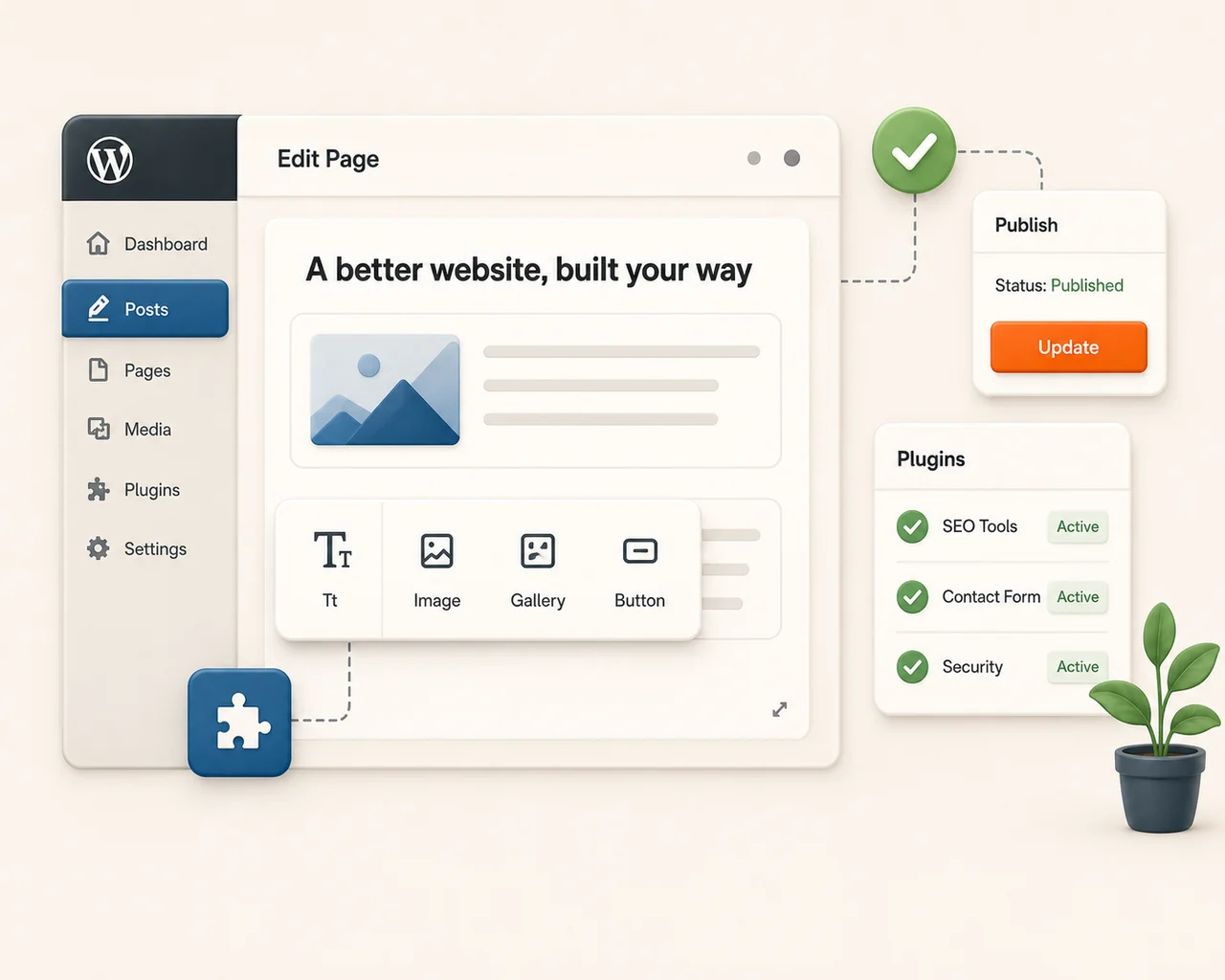
CMS stands for Content Management System. It is the dashboard you use to run your own website without touching a line of code. Type, click publish, done, and plugins add the rest.
In plain English
A CMS is the difference between hiring someone every time you want to change a sign, and just walking up and changing it yourself. It is the control panel that puts your own website in your own hands.
What it does for you
Edit without code
Change your own text and images whenever you need to, no developer required.
Publish in clicks
New page, new post, new hours, it goes live the moment you hit publish.
Extend with plugins
Add features like booking, payments, or forms as your business grows.
Worth remembering
WordPress powers roughly six in ten of all sites built on a CMS.
It is the default for a reason. But a heavy CMS you do not actually need can add bloat and slow you down, so the trick is matching the tool to the job.
What to do about it
If you want to update your own site without calling a developer, a CMS is the answer, and the right one depends on what you are building. I can help you pick and set one up, or audit what you already run.
Where this shows up in my work
 Cookies on this site